e-Shram Registration Online: Eligibility, Card and Benefits
Short answer: Eligible unorganised workers can register free on the official e‑Shram portal or through a Common Service Centre. Registration creates an Aadhaar-seeded worker record and a UAN card, but it does not by itself guarantee a cash payment, pension, insurance payout or automatic enrolment in every welfare scheme.
Last verified: 19 September 2026. Scheme eligibility and benefits must be checked on the responsible scheme’s official portal.
Table of contents
- What e‑Shram is
- Who can register
- Documents and registration steps
- What the card does and does not do
- Updating details and grievance help
- Example and FAQs
What is e-Shram?
e‑Shram is the Ministry of Labour and Employment’s national database of unorganised workers. It is intended to help governments identify workers and facilitate delivery and portability of social-security and welfare measures. Registered workers receive a Universal Account Number, commonly called a UAN, associated with their e‑Shram record.
The e‑Shram UAN is not the same as an EPFO UAN. An EPFO UAN connects an employee’s provident-fund member accounts. The e‑Shram UAN identifies an unorganised worker in the e‑Shram database. Confusing the two can lead people to expect EPF balances or employer contributions from an e‑Shram card, which the card does not create.
Who is eligible for e-Shram registration?
The official FAQ says a person aged 16 or above who is engaged in unorganised work may register, subject to the applicable conditions. The worker should not be an income-tax payee. The portal periodically validates data with EPFO, ESIC and income-tax systems. Agriculture labourers and landless farmers can be eligible.
“Unorganised worker” covers many people who work outside formal employer-supported social-security arrangements: street vendors, domestic workers, migrant workers, construction workers, gig and platform workers, agricultural labourers, home-based workers and many self-employed workers. A job label alone is not enough; the person’s actual employment and social-security status matter.
If you have moved into organised employment, your entitlement to benefits is governed by the organised-sector rules that apply to you. Do not conceal employment, tax or social-security information to obtain registration. Accurate information protects you from later verification problems.
Documents and information required
For self-registration, the official FAQ identifies an Aadhaar number and an Aadhaar-linked mobile number as core requirements. If the worker’s mobile is not linked to Aadhaar, the worker can visit a Common Service Centre or State Seva Kendra and use biometric authentication. The worker should also be ready to provide accurate address, occupation, education, skill and bank-related information requested by the portal.
Registration is free. A CSC should not charge the worker a registration fee for creating the e‑Shram record. A worker may still incur an ordinary cost for a separate service such as printing, where permitted and clearly disclosed, but no one should sell “guaranteed benefits” or demand a commission for government money.
How to complete e-Shram registration online
- Go to the official portal at eshram.gov.in. Check the domain carefully.
- Select the registration option and enter the mobile number linked with Aadhaar.
- Complete OTP and Aadhaar-based authentication as directed.
- Review the personal details fetched or requested by the system.
- Enter your current address, occupation, education, skills and other required information truthfully.
- Add bank information only on the official secure flow and recheck the account and IFSC details.
- Read the declaration, submit, and download or save the UAN card and acknowledgement.
- Keep the profile updated if your mobile, address, occupation or other details change.
If self-registration fails because Aadhaar authentication or the linked mobile is unavailable, do not hand credentials to an unknown intermediary. Use the official CSC locator and carry the required information for assisted biometric registration.
What benefits do e-Shram workers receive?
The clearest answer is also the most important: registration creates a worker record intended to facilitate welfare delivery; it is not a universal cash-benefit approval. The official FAQ states that registration itself does not mean an immediate monetary benefit. Individual schemes have their own eligibility rules, application requirements, funding and effective dates.
The e‑Shram portal may help workers discover or access employment and social-security schemes. But a card should not be advertised as proof that a person will automatically receive a fixed monthly amount, free insurance, pension or housing benefit. Always verify a benefit on the responsible ministry or scheme portal and check whether a separate application is required.
Does the e-Shram card expire?
The official FAQ says the card does not expire and no routine renewal is required. Workers should nevertheless keep their profile current. An old address, occupation or mobile number can make communication, matching and benefit delivery harder.
Turning 60 does not by itself invalidate the UAN. Eligibility for any age-linked pension or welfare scheme is a separate question governed by that scheme’s rules.
How to update e-Shram details
Workers can update supported information on the portal after authentication or visit a CSC. Updateable fields may include mobile number, current address, occupation, educational qualification and skill information. The photograph is generally sourced from Aadhaar. If the Aadhaar photo changes, the worker may need to complete Aadhaar re-eKYC on e‑Shram for the updated photo to flow through.
Before changing a record, confirm whether the underlying detail must first be corrected in Aadhaar. A mismatch in name, date of birth or mobile access can block authentication. Our Aadhaar update guide explains which changes may require a centre visit.
What to do if registration fails
- Check that the Aadhaar-linked mobile can receive OTPs.
- Retry later if the portal reports a temporary technical error.
- Use an official CSC for biometric authentication when mobile linkage is the problem.
- Call the national helpdesk at the number currently displayed on the official portal.
- Use the official e‑Shram grievance portal for an unresolved service issue.
- Do not share OTPs, banking PINs or passwords with a caller claiming to be support.
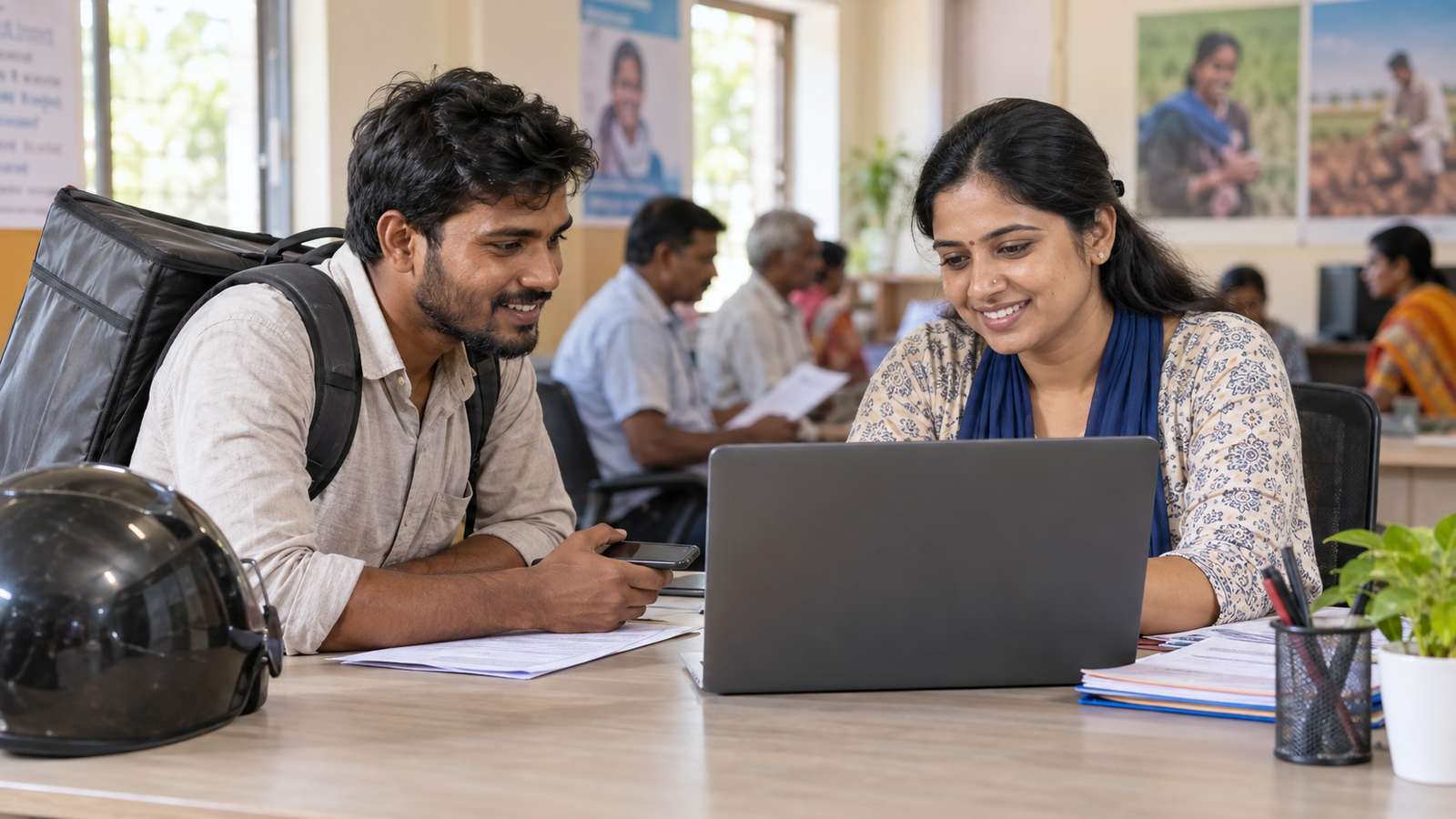
Example: a delivery worker wants to register
Suppose Ravi earns through delivery work, is not an income-tax payee and is not covered as an active member under the formal social-security systems that would disqualify him under the current conditions. He can check eligibility on e‑Shram, authenticate with his Aadhaar-linked mobile, select the closest accurate occupation and submit the record. His UAN card records him in the database; it does not promise an immediate deposit. If a separate scheme is shown, Ravi must read that scheme’s conditions before applying.
What does not change after registration?
Registration does not replace Aadhaar, a bank account, an EPFO UAN, an ESIC identity card, a ration card or an employment contract. It does not convert a worker into a government employee. It does not waive taxes or establish eligibility for every state and central benefit. It also does not remove the need to update incorrect information.
How to verify a benefit shown on e-Shram
Treat the portal as a discovery and facilitation layer, then verify the benefit at its source. Note the exact scheme name, the ministry or state department that operates it, the eligibility date, required contribution if any, and whether a separate application is required. Check age, occupation, income, residence and existing-membership conditions. A scheme card, dashboard listing or message is not the same as a sanctioned payment.
Before uploading documents, confirm that the page belongs to the responsible government authority. Save the acknowledgement and application number. If a status remains unclear, use the official helpdesk rather than a social-media number. This extra check is particularly important when a forwarded message claims that all cardholders will receive the same amount by a fixed date.
Scam and misinformation warning
Be cautious of messages promising a fixed “e‑Shram payment” to everyone, charging for mandatory renewal, or asking for an OTP to release money. Check the official portal and the responsible scheme authority. Never install remote-access software at the request of an unknown caller. For threatening video-call scams, see our digital arrest scam fact check.
Frequently asked questions
Is e-Shram registration free?
Yes. The official FAQ says workers do not have to pay a registration charge.
Is there a last date to register?
The official FAQ says there is no general last date and registration is available continuously. Ignore manufactured urgency unless the Ministry announces a specific verified deadline.
Can a 16-year-old register?
A person aged 16 or above may register if the other eligibility conditions are satisfied.
Do I need an Aadhaar-linked mobile?
It is required for the usual self-registration flow. A worker without one can use biometric authentication at a CSC or State Seva Kendra.
Will I receive cash after registration?
Not merely because the card was created. Benefits depend on separate schemes and their eligibility rules.
Do I renew the card every year?
No routine renewal is required, but you should keep your details updated.
Can I register if I pay income tax?
The official FAQ says the worker should not be an income-tax payee. Check your current status and official guidance rather than relying on an agent.
Action checklist
- Confirm that you are an eligible unorganised worker.
- Use only eshram.gov.in or an official CSC.
- Keep Aadhaar and the linked mobile ready.
- Enter occupation and bank information accurately.
- Save the UAN card and acknowledgement.
- Update changes and verify every claimed benefit separately.
Conclusion: e‑Shram registration online is a free way for eligible unorganised workers to create a national worker record. The useful next step is to register accurately, keep the profile updated and treat every benefit claim as a separate eligibility question.
Official sources: e‑Shram official FAQs; e‑Shram official help page.
Correction history: 19 September 2026 — first draft.
Leave a Reply