Category: AI & Digital Tools
-

Google Photos Free Up Space: Keep the Cloud Copy
Check the backed-up copy and your offline needs before removing device photos; distinguish Free up space from deleting your Google Photos library.
-

Google Calendar Sharing Permissions: Private Event Checks
Match calendar access to the recipient’s task, check private events and recurring-series visibility, then test with harmless information before relying on the settings.
Read: Google Calendar Sharing Permissions: Private Event Checks
-

Teams Guest Access: Meeting Links vs Team Membership
Distinguish a Teams meeting link, external communication and guest membership, then check the account, organisation and separate file permissions.
-

Google Meet Recording: Access, Notice and Saved Files
Check native Meet recording eligibility, participant notice and consent, the current Drive folder structure, and permissions before sharing a meeting replay.
-

Word Track Changes: Review Edits Before Sharing a File
Separate recording edits from displaying markup and accepting changes, then hand over the right review copy without mistaking a clean view for a clean file.
Read: Word Track Changes: Review Edits Before Sharing a File
-

Gmail Phishing Emails: Check, Verify and Report Safely
Check suspicious Gmail messages through sender details and independent verification, report phishing on desktop and distinguish reporting from account recovery.
Read: Gmail Phishing Emails: Check, Verify and Report Safely
-
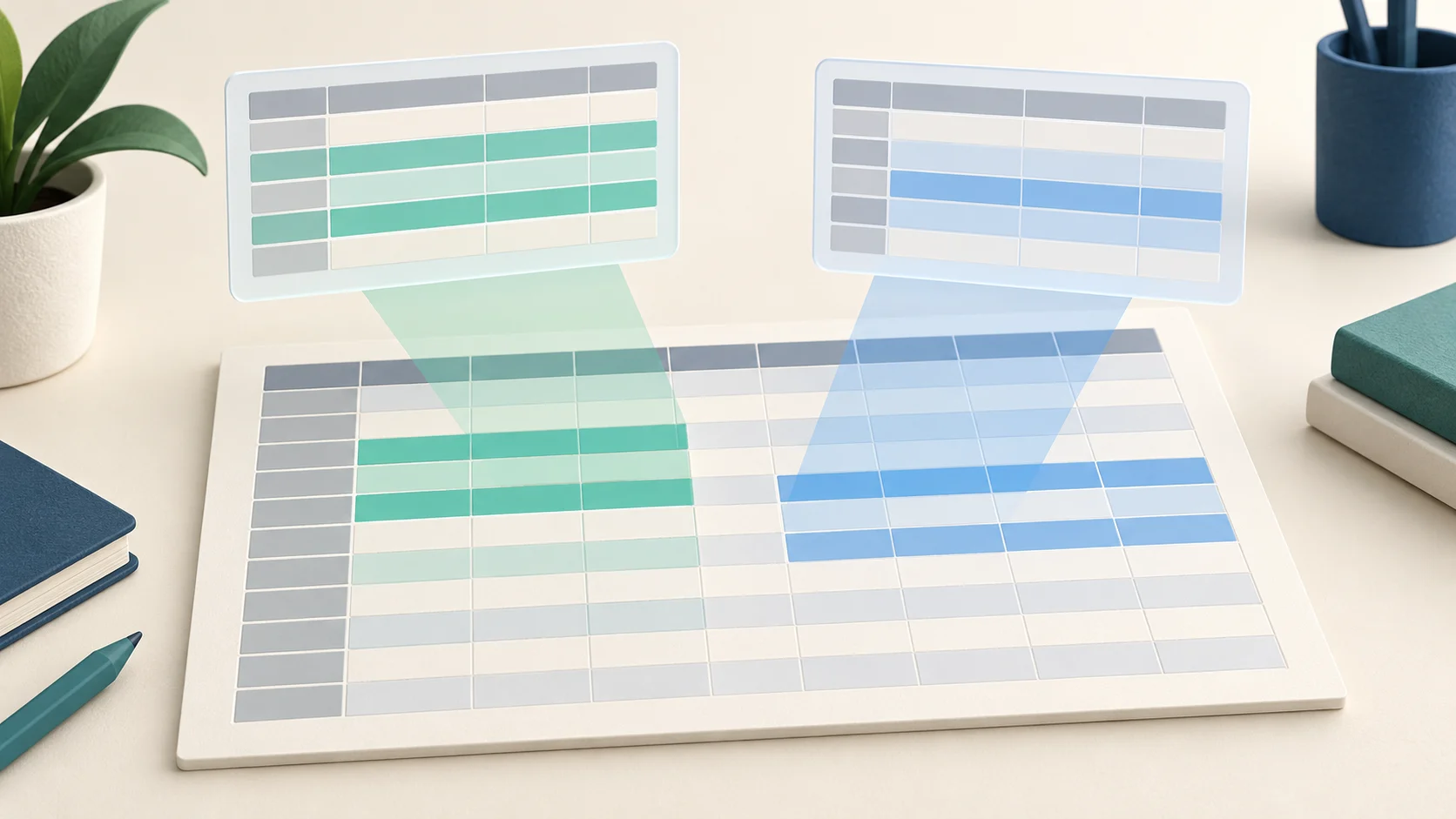
Google Sheets Filter Views: Review Shared Data Clearly
Create and check named Google Sheets filter views, share a useful review link and distinguish a personal data view from file-access permissions.
Read: Google Sheets Filter Views: Review Shared Data Clearly
-
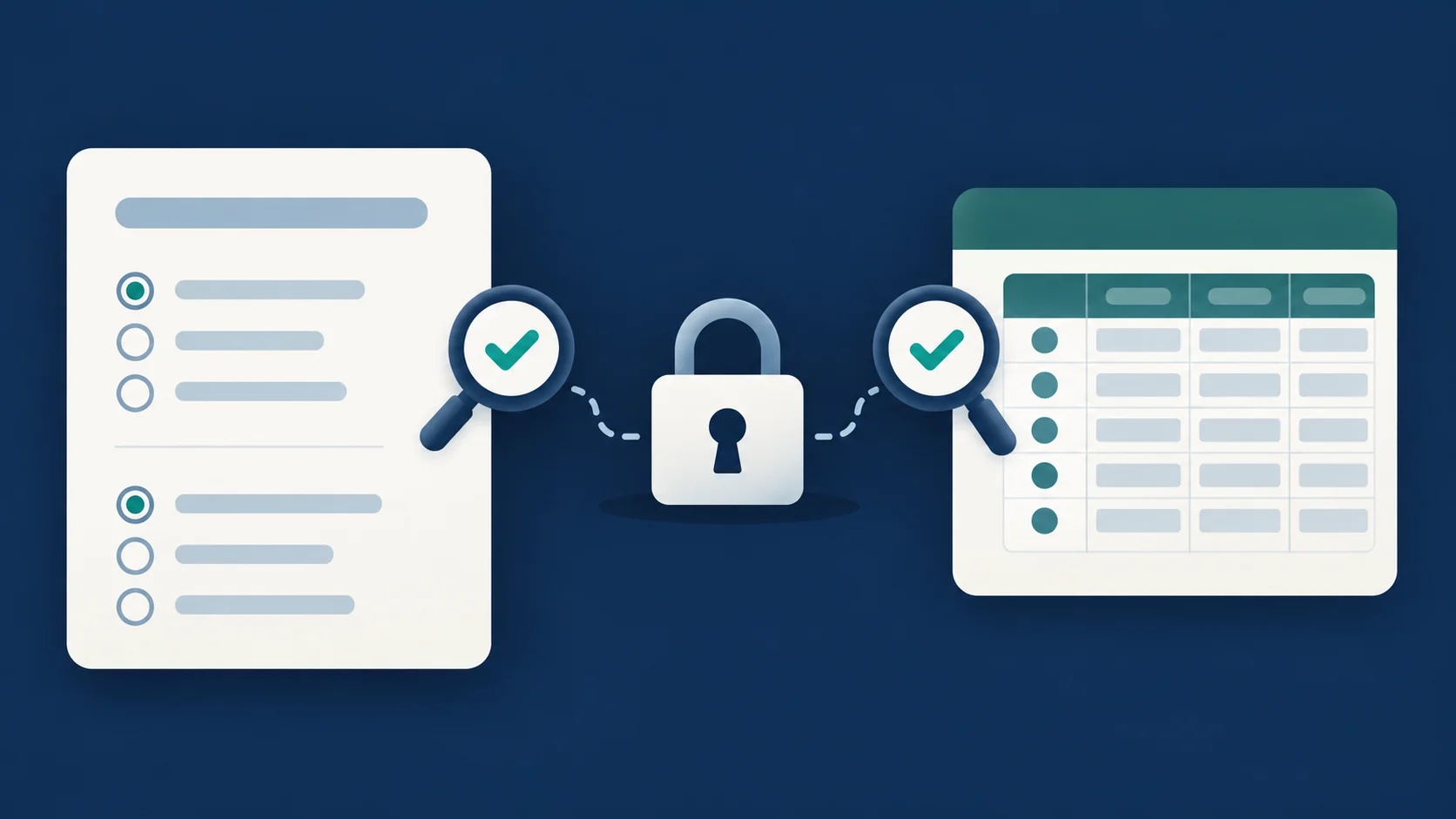
Google Forms Response Privacy: Settings and Data Access
Check Google Forms respondent access, email collection, results summaries, collaborators and linked Sheets before collecting or sharing survey data.
Read: Google Forms Response Privacy: Settings and Data Access
-

Microsoft Forms Sharing Permissions: Responses vs Editing
Choose the right Microsoft Forms audience and link type, test access, and keep respondents separate from collaborators who can edit questions and response data.
Read: Microsoft Forms Sharing Permissions: Responses vs Editing
-

Google Drive Sharing Permissions: Viewer, Commenter, Editor
Choose Google Drive sharing permissions, check named people and link access, understand folder inheritance, and review published versions before sharing files.
Read: Google Drive Sharing Permissions: Viewer, Commenter, Editor