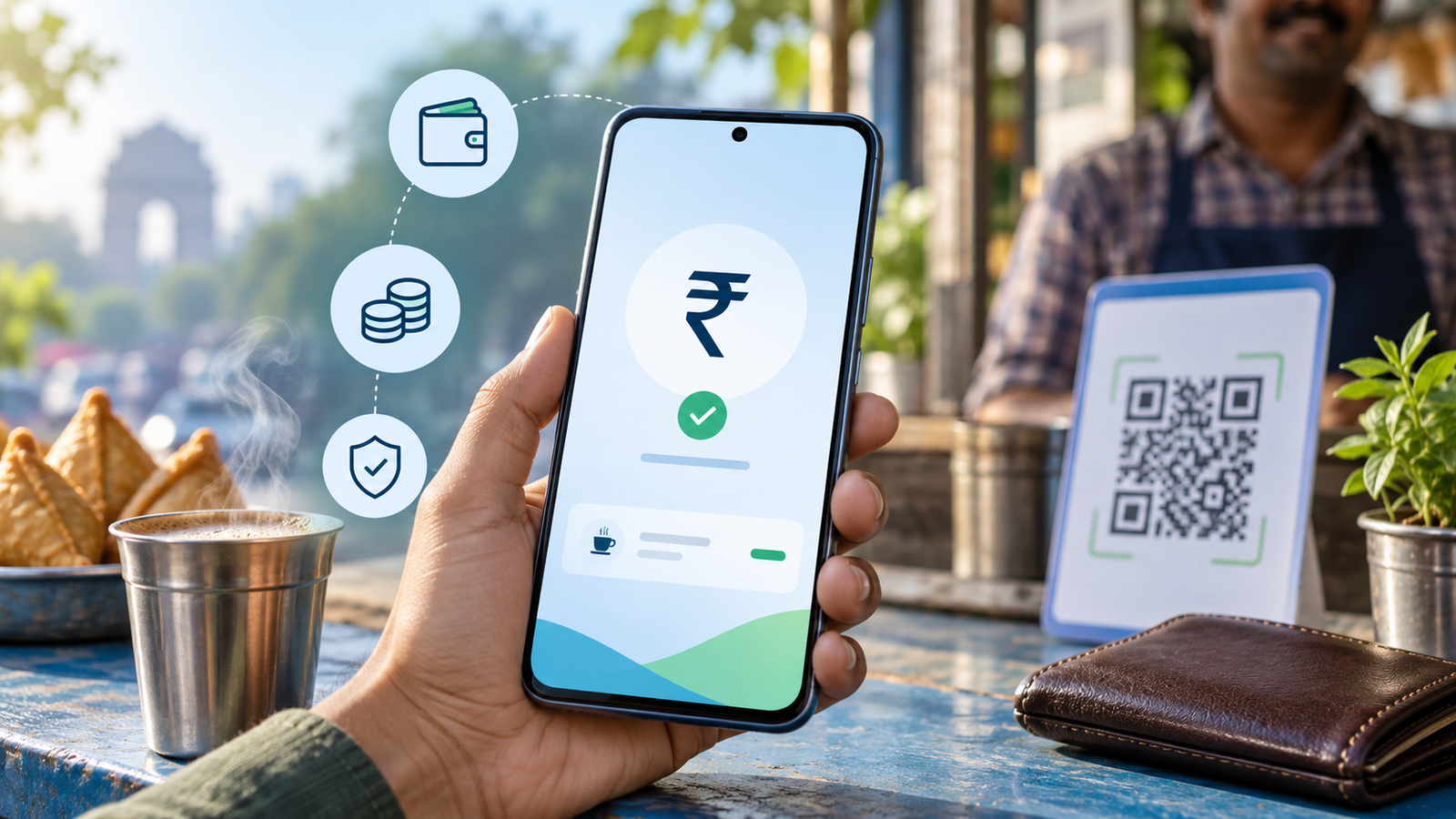
UPI Lite lets you make small everyday UPI payments without entering a UPI PIN for each payment. The current Reserve Bank of India framework permits up to ₹1,000 per UPI Lite transaction and up to ₹5,000 as the total UPI Lite balance. It is designed for low-value convenience, not for every payment, and the exact controls visible to you depend on your bank and UPI app.
Last verified: 29 September 2026. This article uses RBI and NPCI material available on that date. App availability and interface labels can change.
Contents
- What UPI Lite is
- Current limits
- How to enable and use it
- Safety and dispute steps
- Frequently asked questions
What is UPI Lite?
UPI Lite is a small-value payment facility linked to an eligible bank account inside a participating UPI app. You first add money from the linked account to a Lite balance. Payments are then debited from that balance without a separate UPI PIN prompt for every eligible transaction. This reduces friction for routine purchases such as tea, groceries, local transport or small merchant payments.
Calling it “UPI without PIN” is incomplete. A UPI PIN is normally required when you create or replenish the Lite balance, and the feature operates within RBI and NPCI rules. The PIN-free step applies to an eligible payment made from the available Lite balance, not to unrestricted transfers from your full bank balance.
RBI describes UPI Lite as offline to the extent that an additional factor of authentication is not required and real-time transaction alerts need not be sent for each payment. That wording matters: ordinary QR payments may still need network connectivity at the merchant or app side. UPI Lite should not be assumed to work in every no-network situation. Separate NFC-based products such as UPI Lite X have their own device, app and acceptance requirements.
UPI Lite limits in 2026
| Control | Current RBI framework | What it means |
|---|---|---|
| Maximum per transaction | ₹1,000 | An individual Lite payment cannot exceed this framework limit. |
| Maximum Lite balance | ₹5,000 | The stored Lite balance cannot exceed this amount. |
| Replenishment | Online, with additional authentication | Adding money requires the applicable authentication, normally a UPI PIN. |
These are ceiling limits in the RBI framework, not a promise that every bank or app will offer the maximum. A participating app may apply a lower amount, exclude some accounts or restrict availability while it rolls out the service. Check the confirmation screen in your own app before relying on a limit.
UPI Lite is different from the normal UPI transaction ceiling. Standard UPI has category-specific limits and usually draws directly from a bank account with a UPI PIN. Lite uses the separately funded balance and is intended for small values. It is also different from a general prepaid wallet: the product is integrated into UPI and governed by the participating bank and app arrangement.
What changed from the older ₹500 and ₹2,000 limits?
Older explainers and app screenshots often show ₹500 per payment and ₹2,000 as the Lite balance. RBI updated its offline-payment framework on 4 December 2024 to specify enhanced UPI Lite limits of ₹1,000 per transaction and ₹5,000 total. If an app still shows a smaller ceiling, the app’s live screen is the operational limit for that user; do not attempt to bypass it.
This change did not turn UPI Lite into a high-value transfer channel. The product remains a convenience layer for small payments. It also did not remove the need to authenticate when money is added. Treat any message claiming that the higher limit allows unrestricted PIN-free access to your bank account as false.
How to enable UPI Lite
- Open an eligible UPI app from its official app-store listing.
- Find the UPI Lite option. The name may appear under payments, profile, bank account or wallet settings.
- Select an eligible linked bank account and read the terms shown by the app.
- Choose the amount to add, staying within the displayed balance limit.
- Authorize the top-up with your UPI PIN or other required additional factor.
- Confirm that the Lite balance appears before making a payment.
If the option is missing, your bank, account, device or app version may not support it. Update only through the official app store. Never install an APK sent through a message, scan an unknown QR code to “activate” Lite, or share a UPI PIN with a caller. Banks and NPCI do not need your PIN to enable the feature remotely.
How a UPI Lite payment works
- Choose scan-and-pay or another eligible payment flow.
- Verify the merchant name and amount.
- Select UPI Lite if the app does not choose it automatically.
- Approve the eligible payment without entering a UPI PIN.
- Check the success screen and later review the Lite transaction history.
Because the payment can proceed without a PIN prompt, the screen check is your main defence against a wrong merchant or amount. Slow down before confirming. Do not accept a merchant’s claim that you must enter a PIN to receive money; receiving a normal UPI payment does not require you to enter a UPI PIN.
Example: using Lite for daily purchases
Suppose Meera adds ₹2,000 to UPI Lite after authenticating the top-up. She pays ₹85 at a tea shop, ₹340 at a pharmacy and ₹620 at a grocery store. Each amount is below ₹1,000, so it can be eligible for Lite if her app and merchant support the flow. Her remaining Lite balance would be ₹955. A later ₹1,200 purchase cannot be a single Lite payment under the framework; she should use standard UPI or another appropriate payment method.
The example is illustrative, not a recommendation to split a larger purchase. Splitting transactions to avoid a control may breach an app’s terms and makes dispute tracking harder.
UPI Lite safety checklist
- Keep a modest balance suited to routine spending rather than automatically loading the maximum.
- Use a screen lock and device biometrics, and enable remote-device protection where available.
- Verify the payee name and amount before approving every payment.
- Never disclose your UPI PIN, OTP, card details or screen-sharing access.
- Review Lite history and bank debits regularly, including any automatic replenishment mandate.
- Disable or unlink Lite through the app before changing a phone when the app instructs you to do so.
- Report a lost phone promptly to the telecom operator, bank and app provider.
UPI Lite reduces repeated PIN entry; it does not remove the consequences of handing an unlocked phone to someone. A criminal with device access may attempt small payments up to the available balance. Your chosen balance therefore acts as a practical exposure limit.
Auto-replenishment: convenience with a control
Some apps may offer automatic replenishment under an e-mandate. You choose a threshold and top-up amount, then authenticate the mandate. Read both values carefully. Auto-replenishment can keep the balance usable, but it also means a series of small payments may trigger another debit from the bank account.
Set a conservative threshold, monitor mandate notifications and cancel the mandate from the official app or bank channel if you no longer use Lite. Feature availability is not uniform, so do not assume every app offers identical controls.
If a UPI Lite payment fails or money is missing
- Capture the transaction reference, date, amount and payee name without sharing sensitive credentials.
- Check the Lite history and linked bank statement. A refund may be routed differently from the original debit.
- Raise a complaint in the UPI app using the transaction entry.
- If unresolved, escalate to the participating bank or app using its official grievance channel.
- After using the regulated entity’s complaint process, consider the RBI Complaint Management System when the matter falls within the Integrated Ombudsman Scheme.
For a step-by-step timeline, see our UPI failed transaction refund guide. If the payment was unauthorized, use the faster reporting steps in our unauthorized bank transaction guide. For escalation basics, read how to complain to the RBI Ombudsman.
What does not change
- You still need to protect your phone, UPI PIN and linked bank account.
- Standard UPI rules continue to apply when you pay from the bank account instead of Lite.
- A successful payment should not be reversed merely because the buyer changes their mind; refunds follow merchant and network processes.
- UPI Lite availability remains dependent on the participating bank, app, device and product rollout.
- No legitimate support agent will ask for your UPI PIN or remote screen access to process a refund.
Frequently asked questions
Is UPI Lite completely offline?
No. RBI’s framework says UPI Lite is offline to the extent that additional-factor authentication is not required and alerts need not be real time. Many ordinary QR flows still require connectivity. NFC-based UPI Lite X is a distinct implementation with specific requirements.
What is the maximum UPI Lite payment?
The current RBI framework permits up to ₹1,000 per UPI Lite transaction and up to ₹5,000 total balance. Your app may show a lower operational limit.
Does UPI Lite require a UPI PIN?
An eligible payment from the Lite balance usually does not require a PIN. Adding or replenishing money requires the applicable authentication, normally the UPI PIN.
Can I receive money into UPI Lite?
Product handling can differ by implementation. Do not assume a refund or incoming payment will increase the Lite balance; check the app and linked bank statement.
Is money in UPI Lite separate from my bank account?
The displayed Lite balance is separately allocated for small payments, but it remains part of a bank-and-app product linked to your eligible account. It is not a new savings account.
What should I do if my phone is lost?
Block the SIM, use device-location or remote-lock tools, contact the bank and UPI app through official channels, and review transactions. Do not wait for a large debit before reporting.
Conclusion: use the speed, keep the balance deliberate
UPI Lite is useful when you want faster small payments without entering a PIN each time. Remember the current framework limits—₹1,000 per transaction and ₹5,000 total—while accepting that an app may set lower limits. Fund only what you are comfortable carrying as a PIN-free balance, check every payee, and use the official complaint route quickly when something goes wrong.
Official sources: RBI Framework for Facilitating Small Value Digital Payments in Offline Mode; NPCI UPI FAQs.
Verification metadata: _cm_verified_source_url=https://www.rbi.org.in/scripts/RTGS_Notification.aspx?Id=12215; _cm_source_authority=Reserve Bank of India and NPCI; _cm_effective_date=2024-12-04.
Editorial metadata: Author: Ajit Naskar; Publication date: To be scheduled after approval; Updated date: 29 September 2026; Last verified: 29 September 2026; Correction history: None.
Disclaimer: This educational article is not financial or legal advice. Product availability, limits and grievance handling can vary by participating bank and app; verify the live terms before transacting.
Leave a Reply