Short answer: AI citations help you find material to inspect; they do not establish that a response is accurate. Open the linked source, locate the passage supporting the specific claim, and check its author, date, scope and exceptions. If the passage does not support the claim, keep that claim unverified even when the link leads to a genuine website.
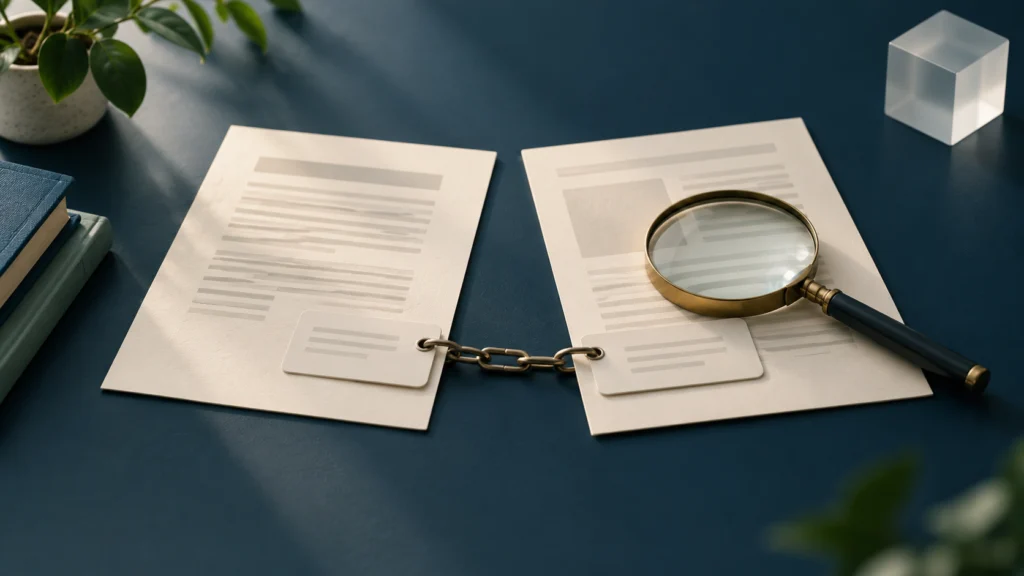
This guide explains how to check AI citations before using a generated answer in research, office work or a public article. It is a reading and evidence workflow, not a comparison of assistants. Google’s current documentation provides useful examples of the limits: Gemini can show related sources, and Google warns that generated responses can be inaccurate. The checking method below also works when you are given an answer from another tool, without assuming that every product has the same buttons or source access.
AI citations: a source link is the start of a check
Google’s Gemini related-sources help page says that sources may appear below a response or within it, and that not every response includes sources. A linked item might be a public webpage, an uploaded file or material from a connected service. These are different evidence environments. A public page may be available to your reader; a file in your account may not be.
A citation can answer “where could I look?” before it answers “is this sentence justified?” The destination might discuss the broad subject while omitting the particular figure, exception or conclusion in the generated answer. A credible organisation’s homepage is not necessarily the document that establishes a rule. Conversely, an accurate statement can appear without a citation, but that leaves you with the work of finding suitable evidence independently.
Separate three decisions: whether the link works, whether the source is suitable, and whether its contents support the claim. Passing one does not automatically pass the others. You can record a working link as accessible while leaving the associated assertion unverified.
First, break the answer into claims you can check
Copy the relevant answer into a working document and identify the statements that matter to the intended action. Give priority to eligibility conditions, amounts, dates, product availability, instructions and claims attributed to an institution. A sentence containing several conditions may need several checks.
For example, “the service is available to all users in India and processes every request immediately” contains distinct claims about geography, audience and timing. Treat this as a reading exercise, not a statement about a real service. Finding a page that names India would not establish universal eligibility or immediate processing. Split the sentence before looking for evidence so that a partial match cannot silently become a full endorsement.
Also separate fact from interpretation. “The document lists three options” is a directly checkable description. “The third option is best for you” depends on circumstances and judgement. A source may establish the available options without supporting a personalised recommendation. Keep your own interpretation labelled, and avoid presenting the model’s advice as the source’s conclusion.
Open the original destination and identify the document
Follow the citation and inspect the actual destination rather than relying on its displayed title or the model’s description. Check the website address, page title, responsible organisation and document type. A help article, press release, consultation paper, draft proposal and final operative instruction serve different purposes.
If a link redirects, determine whether it still leads to the intended document. A redirect to a general help centre does not verify the specific instruction. Search the responsible organisation’s own website using the document title or reference, then compare the resulting page with the claim. Do not silently substitute a similar-looking document from a different authority or jurisdiction.
When a page is inaccessible, record the failure accurately. An access-denied screen, missing page or sign-in requirement means you could not inspect that source through the available route. It does not establish that the underlying claim is false or that the entire service is unavailable. Find an accessible official equivalent where possible; otherwise leave the affected claim pending.
For a downloaded document, check its cover, issuer, version and relevant section. File names alone are weak evidence: a file labelled “latest” could contain an older edition. If the answer cites a PDF but the relevant text comes from a separate annexure, obtain and read that annexure before relying on its conditions.
Match each claim to what the source actually says
Find the relevant passage using a distinctive phrase, heading or document reference. Read the surrounding paragraphs and any linked definitions. A search match proves that a word occurs, not that the document supports the generated sentence. Nearby exclusions or qualifications can change its meaning.
Use a simple evidence table while reviewing. The entries below describe checks, rather than claiming that any particular AI answer has passed them.
| Claim type | Evidence to locate | Common mismatch |
|---|---|---|
| Who can use a service | Audience and eligibility conditions | A limited group becomes “everyone” |
| When a rule applies | Effective-date clause and transition provisions | Announcement date becomes commencement date |
| A numerical statement | Figure, unit, period and qualifying footnote | A percentage is copied without its base |
| A required action | Current instructions for the correct scenario | An optional route becomes compulsory |
| A product feature | Provider documentation for that plan and setting | A staged or conditional feature becomes universal |
Classify the result as supported, partly supported, contradicted or not established by this source. “Not established” is useful: it prevents uncertainty from being disguised as either confirmation or disproof. If a passage supports only part of a sentence, narrow the sentence or find evidence for its remaining parts.
A concrete check is the claim that all Gemini answers include sources. The official related-sources page describes conditional availability, so it cannot support an unconditional claim. Your final wording should preserve that limitation. You do not need to run a private chat or invent a test result to identify this mismatch in the documentation.
Check dates, geography and the applicable version
Record publication, update and effective dates separately. A recently updated webpage may describe an older rule; an announcement may refer to a future commencement. Where a source states an effective date, retain the exact condition attached to it. Do not create a filing deadline merely because the document contains a date.
Check whether the instruction applies to India, a particular state, a defined account type or a named customer group. Global product documentation may contain regional or account restrictions. A national overview may not resolve a local application procedure. The more consequential the action, the more closely the source must match the reader’s actual circumstances.
Look for later corrections, replacements or official amendments. If two official pages appear inconsistent, compare their scope and dates rather than automatically choosing the newer-looking page. One may describe general guidance while another governs a specific situation. Explain any unresolved conflict and avoid making a definitive instruction from evidence that you cannot reconcile.
A verified answer can become stale. Keep a last-checked date and revisit material before someone acts on a changing rule or feature. That date reports when you inspected the evidence; it is not a guarantee that a provider will keep the same interface or policy indefinitely.
Treat uploaded and connected sources carefully
Google’s Workspace with Gemini sources guidance warns that source handling can be incomplete or inaccurate, including references that were not directly used or invented references. A source list is therefore not a reliable audit trail of every step behind an answer. Inspect the underlying material yourself.
For a file citation, identify the exact file and version, then check whether it contains the cited passage. An answer based on a previous conversation or a selected subset of files may omit material you expected it to consider. Do not assume that every document in a folder was read merely because one document from that folder appears in the response.
Access and accuracy are separate checks. A colleague might lack permission to open a valid file, while a file that opens successfully might still be outdated. CheckMatter’s Google Drive sharing-permission guide covers access controls. Do not make a sensitive document public simply to make an AI citation easier to review; use an authorised review route and share only necessary information.
Keep a small, useful verification record
Save the claim, source title and URL, relevant section, document date, date checked and your conclusion. Include unresolved conditions and identify any interpretation you added. You usually need a focused evidence note, not a copy of an entire website. Respect confidentiality and copyright when retaining excerpts.
If you ask the assistant to revise its answer, check the revision against the source again. A more confident explanation or an additional citation does not by itself resolve the earlier mismatch. Specify what was unsupported, request narrower wording and verify the resulting claim. The source remains the evidence; the conversation remains a drafting aid.
For a team document, give the reviewer enough information to reproduce your check. A document reference and section are more useful than “AI checked this.” If the source changes later, your note explains what you inspected at the time. Avoid calling an article fully verified while its most important action instruction is still awaiting evidence.
Tool selection is a separate decision. Our work-oriented assistant comparison discusses choosing a tool; choosing one does not remove the need to check its output. Google also cautions in its response limitations guidance that Gemini can produce inaccurate information. For consequential legal, medical or financial decisions, source reading does not replace suitable professional advice.
Frequently asked questions
Does an official-domain link prove the answer is correct?
No. Confirm that the specific document supports the specific claim and applies to the relevant circumstances. A genuine official page can be unrelated, superseded or narrower than the answer suggests.
Can I use a search snippet instead of opening the source?
A snippet can help locate a document, but it can omit qualifications and context. Inspect the original passage before presenting a material claim as verified. If you cannot open it, state that limitation.
What if two sources disagree?
Compare authority, date, document status and scope. Seek a later operative clarification where appropriate. If the conflict remains unresolved, report it and withhold the affected instruction rather than guessing.
Must every sentence have its own citation?
The practical goal is a clear connection between material factual claims and adequate evidence. Original explanations and labelled interpretation still need to remain consistent with that evidence. Repeating one link after every sentence does not fix unsupported claims.
Before using AI citations in your finished work
Open the source, identify its authority and version, match the passage to the claim, preserve its limitations and record the check. Leave inaccessible or unsupported claims pending. This evergreen workflow was last verified on 1 November 2026; it announces no new product launch or deadline, and no private account or generated response was tested for this article.
Leave a Reply