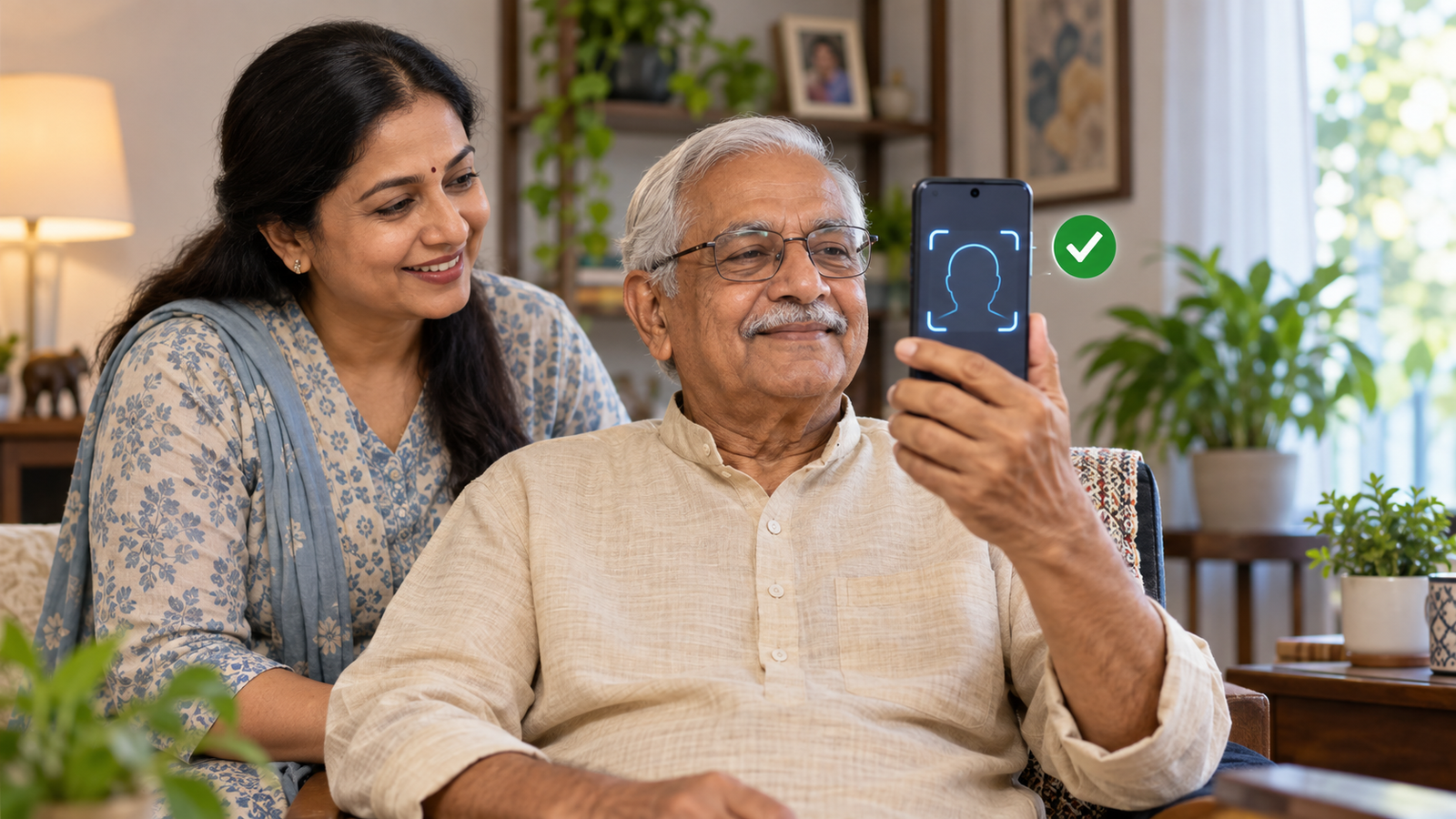
Short answer: Jeevan Pramaan face authentication lets an eligible pensioner generate a Digital Life Certificate on a compatible smartphone without an external fingerprint or iris device. Install the official Jeevan Pramaan app and AadhaarFaceRD, confirm that your pension-sanctioning authority is onboarded, enter the pension details accurately, complete the face scan and save the Pramaan ID. Certificate validity is decided by the pension-sanctioning authority, not by the app.
Author: Ajit Naskar | Draft date: 26 September 2026 | Updated: 26 September 2026 | Last verified: 26 September 2026
What Jeevan Pramaan face authentication does
Government pensioners generally need to provide a life certificate so the pension-disbursing agency can continue payment. Jeevan Pramaan is the Government of India’s Aadhaar-based Digital Life Certificate service. It creates a digitally verifiable certificate and makes it electronically available to the pension-disbursing agency, reducing the need to present a paper certificate in person when the authority supports the service.
The face-authentication option uses the smartphone camera and Aadhaar’s face-authentication mechanism. The official portal says no external biometric device is required for this method. That can be useful for pensioners at home, people with difficult-to-read fingerprints and families helping an elderly relative. It does not eliminate eligibility checks or guarantee acceptance by every pension authority.
This is not a video-call verification with an unknown agent. The process occurs through the official app package and AadhaarFaceRD. Do not install an APK received in a message, share an OTP with a caller or allow remote-screen access. A genuine helper can guide the pensioner while the pensioner remains in control of the device and information.
Who can use Jeevan Pramaan and what is required
The service is designed for pensioners whose pension-sanctioning authority is onboarded with Jeevan Pramaan. The official FAQ explains that a pensioner can generate the certificate when the authority is part of the system. If the authority is not listed or the pension record is not recognized, use the authority’s prescribed life-certificate route instead of repeatedly submitting guessed details.
The FAQ also states that a pensioner who is re-employed or re-married is not eligible for Jeevan Pramaan. Those circumstances may require declarations or verification beyond a digital life certificate. Check the specific pension rules and contact the pension-sanctioning or disbursing authority rather than treating the app as universal.
For face authentication, the official app page lists Android 10 or later or iOS 14 or later. The phone needs a working front camera, internet access, adequate battery and space for the approved apps. The pensioner needs Aadhaar details, an accessible mobile number for the required authentication flow, pension type, sanctioning authority, disbursing agency, account information and Pension Payment Order or equivalent pension identifier as requested.
Keep documents ready, but do not photograph or upload more than the app requires. A family member or another person can act as operator. The official FAQ also allows the pensioner to be the operator, so a separate agent is not mandatory.
Before you begin: a privacy and accuracy checklist
- Download only from the official Jeevan Pramaan app page or the official app store listing reached from it.
- Install both Jeevan Pramaan and AadhaarFaceRD when the current instructions require them.
- Confirm the correct pension-sanctioning authority and disbursing agency from the PPO or bank records.
- Use a trusted private network and a quiet, well-lit place.
- Clean the camera lens and remove anything that blocks the face.
- Tell any helper not to keep copies of Aadhaar, PPO or bank information.
- Review the entered details before authentication; a successful face scan cannot fix incorrect pension data.
If Aadhaar demographic information itself is wrong, correct it through the appropriate UIDAI process. Our Aadhaar update guide explains which changes may be handled online and which require a centre visit.
Jeevan Pramaan face authentication: step-by-step
1. Get the official applications
Open the official Jeevan Pramaan download page. Follow its link or package instructions for the current mobile release. Install the Jeevan Pramaan application and the UIDAI AadhaarFaceRD component. Avoid similarly named third-party applications and never disable device security merely to install an app from an unknown sender.
2. Register or authenticate the operator
Open the app and complete the operator registration requested by the current version. The pensioner may be the operator. When another person helps multiple pensioners, that person should still follow the privacy notice, obtain consent and avoid retaining identifiers. Enter an accessible mobile number and complete the official authentication prompt.
3. Enter the pensioner’s identity and pension details
Provide the pensioner’s Aadhaar number or Virtual ID where the official interface permits, name and mobile information. Then select the pension type, organization, sanctioning authority and disbursing agency. Enter the PPO number and account-related details exactly as held by the pension authority or bank. Dropdown choices can look similar, so do not choose a department merely because its name is close.
4. Confirm the required declarations
Read every declaration before accepting it. The app may ask about employment or remarriage status because those facts can affect whether the digital process is appropriate. Give truthful information. If the pensioner’s circumstances need a separate declaration, stop and contact the authority.
5. Complete Aadhaar face authentication
Move to even lighting and hold the phone steadily at eye level. Keep the full face visible, remove sunglasses or anything that obscures key features and follow the on-screen prompts. Do not use another person’s photograph or attempt to bypass liveness checks. If the scan fails, improve light, camera angle and network quality before retrying.
6. Review the success message and save the Pramaan ID
After successful processing, the system generates a Pramaan ID and sends confirmation through the registered channel. Save the ID securely. It is the reference for accessing the certificate and following up with the pension-disbursing agency. Do not publish it or forward it to an unsolicited caller.
What happens after the Digital Life Certificate is generated
Jeevan Pramaan stores the certificate in its repository and makes it electronically available to the pension-disbursing agency. The pensioner can access a PDF copy using the Pramaan ID through the official portal. The electronic availability means the pensioner normally does not need to carry the generated certificate to the agency when the agency consumes it through the system, but local procedures can vary.
Generation is not the same as confirmation that the pension account has been updated. Keep the acknowledgement and check with the disbursing bank or authority if payment is due soon, the submission was close to its required window, or the agency’s records do not reflect it. Use contact information from the official bank or authority site.
The Pramaan ID is not valid for life. The official FAQ says the validity or expiry of the certificate is decided by the pension-sanctioning authority. Do not rely on a generic social-media claim that every certificate lasts exactly one year from submission. The applicable submission month or period may depend on the pensioner’s category and authority.
Effective date and deadline information
Jeevan Pramaan is an ongoing service rather than a newly announced September 2026 rule. This guide does not propose a universal deadline because the required life-certificate period depends on the pension authority and pensioner category. Check the PPO, authority notice and disbursing bank communication for the applicable window. The Jeevan Pramaan portal used for this guide was last reviewed by its publisher on 23 July 2026.
No deadline tracker entry should be created from a generic November reminder alone. A deadline entry needs an official source that defines the affected class, start date and last date. Readers should verify their own authority’s current instruction.
Common problems and safe fixes
The face scan repeatedly fails
Clean the lens, move away from harsh backlight, hold the phone stable and keep the face centered. Close other camera applications and confirm AadhaarFaceRD is installed and updated. Restart the app if needed. Do not let a stranger take control of the phone.
The authority or agency is missing
Recheck the PPO and official organization name. If the authority is not onboarded, the service may not support the pension. Contact the authority for its alternative life-certificate procedure instead of selecting an unrelated organization.
The PPO or pension details are rejected
Check spaces, leading zeros, account information and authority selection against official records. A successful Aadhaar authentication proves identity for the transaction; it does not repair a wrong PPO number. Ask the disbursing agency which field is inconsistent.
No confirmation reaches the pensioner
Check the app result and network connection, then use the official portal or help channel with the transaction reference. Do not resubmit many times without knowing whether the first certificate was generated.
The bank says it cannot see the certificate
Give the Pramaan ID through the bank’s official channel and ask it to check the repository. Preserve the acknowledgement. If the pension record uses a different agency mapping, the bank or authority may need to correct its side.
What does not change
- The pension authority still determines eligibility, submission period and certificate validity.
- Face authentication does not change the pension amount or nomination.
- A Digital Life Certificate does not replace a required re-employment, remarriage or other separate declaration.
- The pensioner can still use another officially accepted life-certificate method when applicable.
- Successful generation does not authorize anyone to ask for bank passwords, PINs or OTPs.
- Jeevan Pramaan does not replace EPFO nomination. For that separate task, use our EPFO e-nomination guide.
Example: a supported home submission
Mr Sharma receives a pension from an onboarded authority and his smartphone meets the current requirements. His daughter helps him install the official Jeevan Pramaan and AadhaarFaceRD apps. They verify the organization and PPO from his pension papers, enter the information and let Mr Sharma complete the face scan himself. The app generates a Pramaan ID, which they store securely. They later confirm with the pension-disbursing bank that the certificate is visible. The daughter deletes any temporary photos and does not retain his identifiers on another device.
Action checklist
- Confirm that the pension-sanctioning authority is onboarded.
- Use a compatible phone and official apps only.
- Keep Aadhaar, PPO and agency details ready and private.
- Enter pension information exactly as recorded.
- Complete face authentication in good light.
- Save the Pramaan ID and check agency receipt when necessary.
- Verify the authority-specific validity and next submission period.
Frequently asked questions
Do I need a fingerprint scanner for face authentication?
No. The official guidance says face authentication does not require an external biometric device. A compatible smartphone camera and the required official apps are used.
Can a family member operate the app?
Yes. Another person can be the operator, and the pensioner can also act as operator. A helper should obtain consent, protect personal information and allow the pensioner to complete the genuine face scan.
Is the Pramaan ID valid forever?
No. It identifies the generated certificate, but certificate validity is determined by the pension-sanctioning authority.
Does every pensioner submit in November?
Do not assume a universal date. Submission periods can vary by authority and pensioner category. Check the current official instruction that applies to the pension.
Where are the official instructions?
Use the Jeevan Pramaan portal, its official FAQ and the official application download page.
Conclusion
Jeevan Pramaan face authentication can make a Digital Life Certificate easier to submit, particularly when travel or fingerprint capture is difficult. The reliable process is to confirm eligibility, use the official apps, enter the pension record accurately, complete the live face scan and save the Pramaan ID. The pension authority—not a generic internet post—decides when the certificate is due and how long it remains valid.
Eligibility, privacy and independence disclaimer: This is a general public-service explainer, not a determination of pension eligibility. Requirements differ by authority and may change. Verify with Jeevan Pramaan and the pension-sanctioning or disbursing authority. CheckMatter is independent and is not affiliated with UIDAI or Jeevan Pramaan.
Verification metadata:
_cm_verified_source_url: https://jeevanpramaan.gov.in/v2.0/
_cm_source_authority: Jeevan Pramaan, Government of India
_cm_effective_date: Ongoing service; official portal last reviewed 2026-07-23
Correction history: 26 September 2026 — First draft created from the official portal, FAQ, app-download page and face-app installation guide; no correction recorded.
Leave a Reply