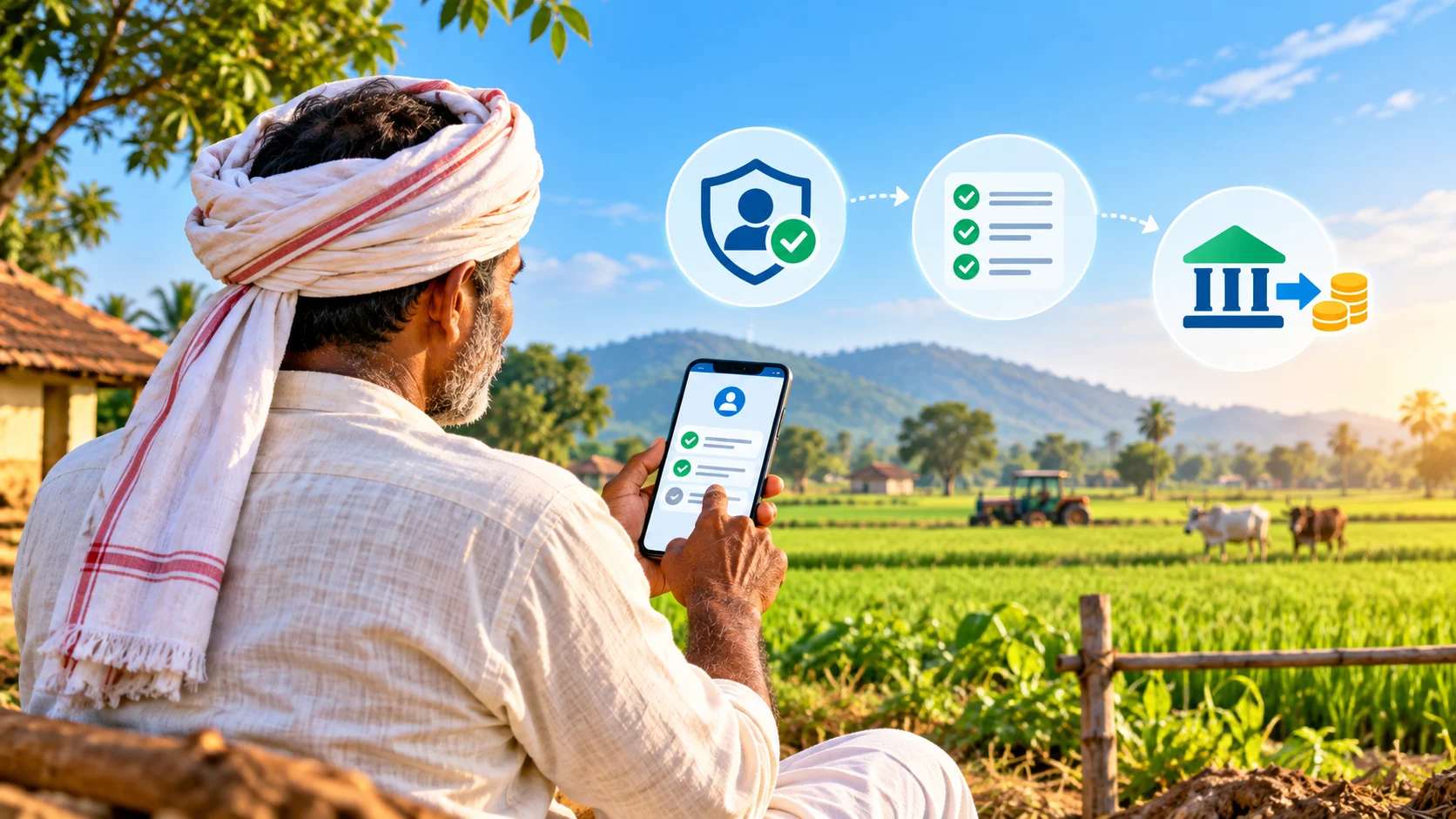
Short answer: To check your PM-KISAN beneficiary status, use the official PM-KISAN portal’s Know Your Status service, confirm eKYC, Aadhaar and bank details, and read each status line before asking for a correction. PM-KISAN pays eligible landholding farmer families ₹6,000 a year in three equal instalments, but payment can pause when identity, bank, land or eligibility verification is incomplete.
Contents
- What PM-KISAN status means
- How to check payment and beneficiary details
- How to complete eKYC
- Why an instalment may be held
- How to correct records and escalate
- Examples, checklist and FAQs
What is PM-KISAN?
Pradhan Mantri Kisan Samman Nidhi is a central-sector income-support scheme administered by the Department of Agriculture and Farmers Welfare. Eligible landholding farmer families receive ₹6,000 per financial year in three instalments of ₹2,000, transferred directly to an eligible beneficiary’s bank account. For scheme purposes, a family generally means husband, wife and minor children. Eligibility is governed by the scheme rules, land records and exclusion criteria—not merely by having an Aadhaar number or submitting an online registration.
The official portal provides registration, eKYC, Know Your Status, beneficiary-list and help functions. A status screen is a diagnostic record, not a guarantee of payment. It may show that one verification has passed while another is still pending.
PM-KISAN beneficiary status: use the right official service
Start at pmkisan.gov.in. Avoid search ads, look-alike domains and agents who promise to release an instalment for a fee. The portal’s labels can change, so use the current Farmers Corner or beneficiary-services menu.
Know Your Status
This is the main service for an individual beneficiary. It can show registration and instalment information using the identifiers requested by the portal. If you do not know your registration number, use the official recovery option and follow the on-screen identity checks.
Beneficiary List
This is a location-based list used to check whether a name appears for a state, district, sub-district, block and village. A name in the list does not override a later eligibility hold, failed bank validation or incomplete eKYC.
Registration Status
New applicants should distinguish “registration submitted” from “approved beneficiary.” State and central validation, land-record verification and exclusion checks can take time. Keep the acknowledgement number and do not submit repeated applications unless an official tells you the first one is invalid.
How to check PM-KISAN status step by step
- Open the official PM-KISAN portal in a current browser.
- Choose Know Your Status or the current equivalent.
- Enter the requested registration number and captcha. Use the official recovery option if necessary.
- Complete any OTP step only on the official domain.
- Review every line: beneficiary name, registration, eKYC, Aadhaar authentication, bank validation, land seeding or state approval, and instalment history.
- Save a screenshot or note the exact status wording and date. Do not share the full record publicly.
- If a line is failed or pending, use the matching correction route rather than changing unrelated fields.
The portal may temporarily be slow around instalment releases. A network error is not evidence of rejection. Retry later, use another connection, or ask a Common Service Centre to open the official service.
PM-KISAN eKYC is mandatory
The official PM-KISAN eKYC note states that eKYC is mandatory for registered farmers. eKYC confirms the beneficiary’s identity; it does not by itself prove land ownership or scheme eligibility. The available methods are designed for different situations.
OTP-based eKYC
Use this when the beneficiary’s mobile number is linked with Aadhaar and can receive the OTP. Open the portal’s eKYC service, enter the Aadhaar number, complete the requested verification and submit the Aadhaar OTP. Never tell an agent the OTP over a call or chat.
Biometric eKYC
If the Aadhaar-linked mobile is unavailable or OTP authentication fails, an authorised Common Service Centre can complete biometric authentication. Ask for a receipt and verify the status later on the official portal. Biometric failure can occur because of fingerprint quality or device issues; it does not automatically make a farmer ineligible.
Face-authentication eKYC
Where offered through the official PM-KISAN mobile app and approved Aadhaar face-authentication flow, face eKYC can be an alternative. Install only from the official store listing linked by the scheme or government source. Do not sideload an APK sent through messaging apps.
If your Aadhaar name, date of birth or mobile details are wrong, correct the source record through UIDAI before repeatedly retrying PM-KISAN. CheckMatter’s Aadhaar update guide explains official demographic and document-update routes.
Why a PM-KISAN instalment may not arrive
A missing payment can have several causes. The status text matters more than rumours about a universal release date.
- eKYC incomplete: finish the official OTP, biometric or face-authentication process.
- Aadhaar mismatch: spelling, date-of-birth or identity data may not match the application.
- Bank validation failed: the account number, IFSC, account status or account-holder name may be incorrect.
- Aadhaar-bank linkage issue: direct-benefit transfer routing may require correction with the bank.
- Land record not seeded or verified: the state record may be missing, outdated or under validation.
- State approval pending: local or state verification may not be complete.
- Exclusion or ineligibility: the family may fall within an exclusion category or no longer meet scheme rules.
- Duplicate family record: more than one application for the same eligible family can trigger review.
- Payment processed but not credited: a bank return or account problem may require bank and scheme investigation.
How to fix common status problems
Incorrect name or Aadhaar details
Compare the PM-KISAN record with Aadhaar character by character. If Aadhaar is wrong, correct Aadhaar first. If PM-KISAN captured the data incorrectly, use the portal’s correction function where available or contact the designated agriculture office. Do not create a second identity to bypass a mismatch.
Wrong bank account or IFSC
Confirm the active account, account-holder name and current IFSC with the bank. Branch mergers can change IFSC codes. Submit correction only through the official scheme workflow or authorised office, then retain the acknowledgement. Never share a PIN, CVV or internet-banking password; those are not needed for DBT correction.
Land seeding or ownership issue
PM-KISAN depends on verified state land records. Obtain the current record from the responsible revenue authority and ask the agriculture office which mismatch must be resolved. Mutation, inheritance, joint ownership and spelling differences can require state-specific documents. The central portal cannot rewrite a state land record.
Payment failure
Note the instalment number, transaction or reference displayed, status date and bank account’s last four digits. First confirm with the bank whether the account is active and whether a DBT credit was returned. Then use the PM-KISAN help channel with the evidence. Do not assume that a successful status at one stage means the bank credited the money.
What you should not change
Do not alter genuine land, family or identity details merely to match an application. Do not open an unnecessary bank account because a social-media video claims a particular bank is required. Do not pay for “priority approval,” and do not submit another registration while a valid correction is pending unless the responsible office directs it.
Completing eKYC does not erase exclusion criteria. Likewise, appearing in a village beneficiary list does not make an otherwise ineligible person entitled to payment.
Official help and escalation
Use contact details displayed on the live PM-KISAN portal because helpline numbers and responsibilities can change. For a state-validation or land-record issue, contact the designated agriculture or revenue office. For an Aadhaar problem, use UIDAI. For a bank-credit or account-validation problem, obtain a written response from the bank before returning to the scheme helpdesk.
Provide only what is necessary: registration number, exact status message, instalment concerned, correction acknowledgement and masked bank details. Do not email full Aadhaar copies or passbooks to an address found on social media. For broader government-service identity hygiene, the DigiLocker document guide explains how official digital documents are issued and verified.
Example
Ramesh’s Know Your Status page shows eKYC completed but bank validation failed. His Aadhaar name matches the application, but his bank branch has merged and the old IFSC is no longer used. He asks the bank to confirm the active account and IFSC, submits the correction through the authorised PM-KISAN route and keeps the acknowledgement. He checks again after processing. He does not redo eKYC because that line already shows success.
What changed and who is affected?
This guide reflects the current official portal and the continuing requirement that registered beneficiaries complete eKYC. It is relevant to applicants, existing beneficiaries, nominees helping an elderly farmer and families diagnosing a held instalment. No new universal deadline is claimed here. Instalment dates and portal features must be checked on the official site at the time of use.
Action checklist
- Use only pmkisan.gov.in and linked official services.
- Recover and record the correct registration number.
- Read each status line instead of relying on the final payment label alone.
- Complete eKYC through an official method.
- Match Aadhaar, bank and land records.
- Correct only the failed or pending field.
- Keep acknowledgements and masked evidence.
- Use the live official help details if the status does not update.
Frequently asked questions
How much does PM-KISAN pay?
Eligible farmer families receive ₹6,000 per financial year in three instalments of ₹2,000, subject to current scheme rules and verification.
Is eKYC enough to receive payment?
No. eKYC confirms identity, but bank, land, state and eligibility validations must also pass.
Can I complete eKYC without an Aadhaar-linked mobile?
Use an available official alternative, such as biometric eKYC at an authorised CSC or the official face-authentication route where supported.
Why is my name in the list but payment is pending?
The list is not the final payment decision. Check individual status lines for bank validation, eKYC, land seeding, state approval and eligibility.
Is there a fee to release an instalment?
No agent can legitimately sell a release. A CSC may charge an authorised service fee for an assisted transaction, but never share an OTP, PIN or password.
What is the PM-KISAN payment deadline?
There is no single annual claim deadline stated in this guide. Check official announcements for instalment dates and any campaign-specific cut-off.
Conclusion
Your PM-KISAN beneficiary status is best treated as a checklist of identity, bank, land and eligibility validations. Use the official portal, complete eKYC safely, correct the specific failed field and keep evidence. If payment remains unresolved, take the exact status message to the responsible bank or government office instead of paying an intermediary.
Author: CheckMatter Editorial Desk
Publication date: Proposed; not published
Updated date: 1 October 2026
Last verified: 1 October 2026
Correction history: No corrections; original draft.
Primary authority: Department of Agriculture and Farmers Welfare
Official source: PM-KISAN official portal
eKYC source: Official note on PM-KISAN eKYC modes
Verification metadata:
_cm_verified_source_url: https://pmkisan.gov.in/
_cm_source_authority: Department of Agriculture and Farmers Welfare
_cm_effective_date: Scheme and portal guidance verified 2026-10-01
Disclaimer: General information only. Eligibility, land verification and payment decisions are made by the responsible authorities under current scheme rules.
Schema: Article; FAQPage eligible if visible FAQs remain. Canonical: https://checkmatter.in/pm-kisan-beneficiary-status-ekyc-payment-guide/
Leave a Reply